
Why Is Your Phone Charging Slowly? 8 Common Reasons and How to Fix It
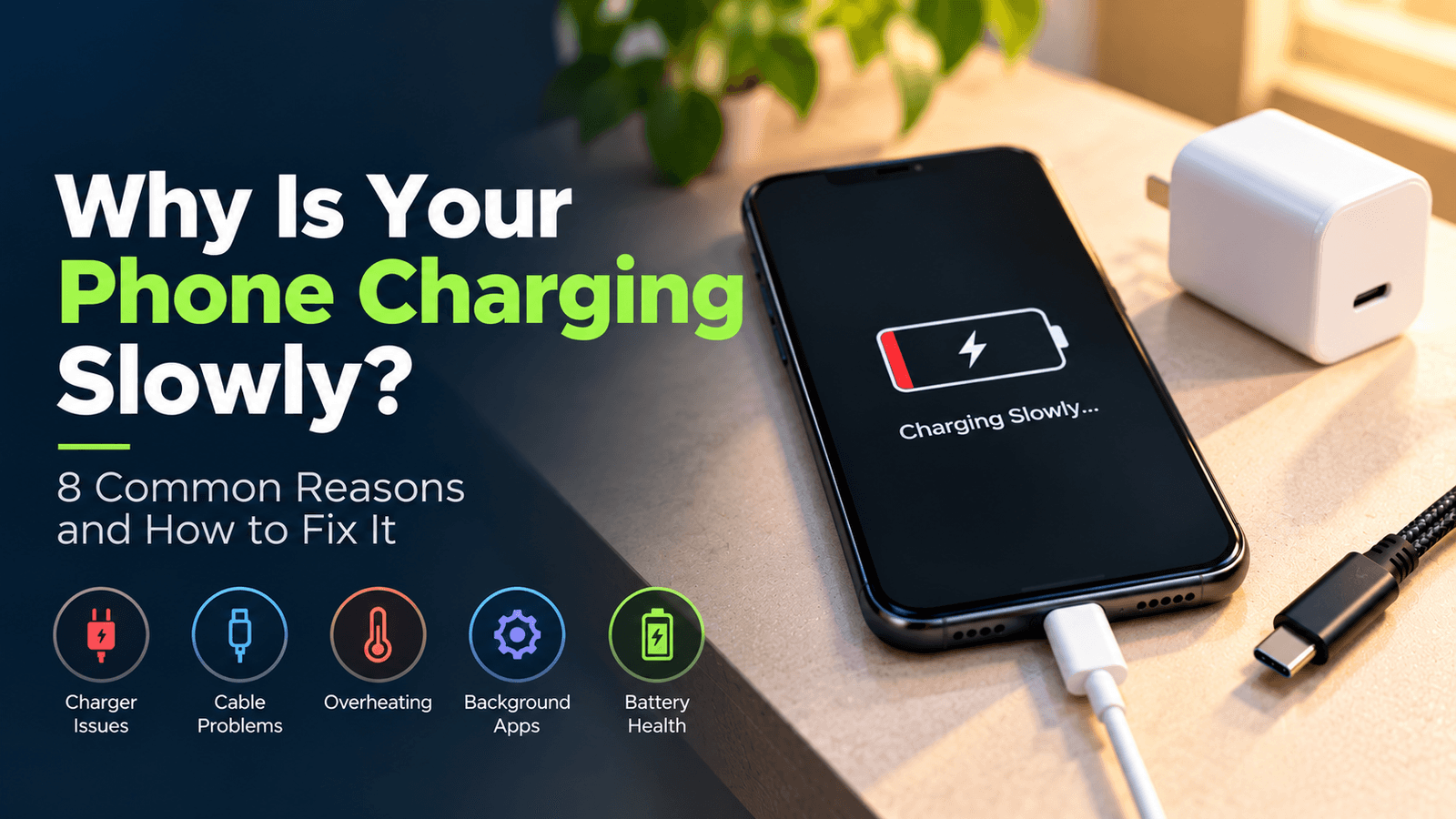
Have you ever plugged your phone into the charger and noticed that the battery percentage is increasing much slower than expected? Whether you're using an Android smartphone or an iPhone, slow charging can be frustrating, especially when you're in a hurry. While many people immediately blame their charger, the actual reason could be your charging cable, phone battery, charging port, or even the temperature of your device. In this blog, we'll explore the most common reasons why your phone is charging slowly and explain how you can fix the problem with simple, practical solutions.
1. Your Charger May Not Support Fast Charging
One of the most common reasons for slow phone charging is using a charger that doesn't support your smartphone's required charging speed. For example, if your phone supports 20W fast charging but you're using an older 5W adapter, it may take considerably longer to reach a full charge. However, buying a high-wattage charger doesn't automatically guarantee faster charging because your phone must also support the charger's charging technology. Always check your smartphone's supported charging wattage and the charger's output specifications before making a purchase. A compatible charger, such as the Razix Ampio 20 20W PD Type-C fast charger, can be a suitable option for devices that support its charging standards.
2. A Damaged Charging Cable Can Reduce Charging Speed
Your charging cable plays an important role in delivering power from the adapter to your smartphone. Over time, repeated bending, pulling, twisting, and everyday wear can damage the cable or its connectors. In some cases, a low-quality or incompatible cable may also prevent your phone from achieving its intended charging speed. If your phone charges slowly, disconnects repeatedly, or only charges when you position the cable at a particular angle, your cable may be the problem. Try using a compatible, good-quality charging cable and check whether the charging performance improves. Razix LINK45 is a Type-C to Type-C braided cable designed to support up to 45W under compatible conditions, making it important to match the cable with your phone and charger requirements.
3. Your Phone May Be Overheating While Charging
Temperature can have a direct impact on your phone's charging performance. When your smartphone becomes too hot, its charging system may automatically reduce power to protect the battery and internal components. Using your phone for gaming, video streaming, or other demanding activities while charging can generate additional heat. Charging under direct sunlight or in a hot environment may also affect charging speed. To improve charging conditions, keep your phone in a cool and ventilated location, avoid demanding activities while charging, and remove a thick case temporarily if it is contributing to heat. Never place your phone under a pillow or blanket while charging, as this can restrict ventilation.
4. Dust and Dirt Inside the Charging Port
Your phone's charging port collects dust, lint, and other debris over time, particularly when you carry your phone in your pocket or bag. Dirt inside the port can prevent the charging cable from making proper contact, resulting in slow charging, intermittent connections, or difficulty charging altogether. If you notice that your cable feels loose or your phone repeatedly connects and disconnects, inspect the port using good lighting. Avoid using sharp metal objects to clean it, as they can damage the internal contacts. If you suspect the port is dirty or damaged, consider having it inspected and cleaned by a qualified technician.
5. Your Cable May Not Support the Required Charging Power
Not all charging cables are designed to support the same power levels. Although two cables may have the same connector type, their power capabilities and construction can differ. For instance, a Type-C to Type-C cable may support higher charging power when paired with a compatible charger and smartphone, but the connector type alone doesn't guarantee fast charging. Before purchasing a charging cable, check its power rating, connector type, build quality, and compatibility with your existing charger. Razix LINK45 is a 1-meter braided Type-C to Type-C cable with support for up to 45W under suitable conditions. Always check the complete charging setup to ensure that the advertised power is appropriate for your device.
6. Background Apps May Be Consuming Battery Power
Sometimes your phone is charging normally, but it is also using a significant amount of power in the background. Apps running continuously, GPS, mobile hotspots, gaming, and video streaming can increase energy consumption while your phone is connected to the charger. As a result, your battery percentage may rise slowly because the phone is using some of the incoming power. To improve the charging experience, close demanding applications, turn off unnecessary features, and avoid intensive activities while charging. Locking your screen or enabling airplane mode temporarily, when connectivity isn't required, can also reduce power consumption.
7. Your Smartphone Battery May Be Aging
Smartphone batteries naturally lose capacity over time as they go through charging cycles. An aging battery may affect how long your phone lasts between charges, although slow charging alone doesn't necessarily mean that the battery needs replacement. If your phone is also experiencing unusual heating, unexpected shutdowns, or significantly reduced battery life, it's worth checking the battery health settings if your device provides them. If you notice swelling, excessive heat, or other signs of battery damage, stop using the device and seek professional assistance. A qualified technician can help determine whether the battery or another internal component is contributing to the charging issue.
8. Your Charger and Phone May Not Be Compatible
Fast charging depends on the compatibility between your smartphone, charging adapter, and cable. Different manufacturers and devices support different charging standards, which means that a charger that works well with one phone may not deliver the same charging speed on another. Even if your charger has a high wattage rating, your phone may charge at a lower power level if the required charging protocol isn't supported. Before buying a new charger, check your phone's charging specifications and select an adapter that supports the appropriate standards. Similarly, make sure your cable is rated for the power requirements of your charger and smartphone.
- How to Fix Your Phone When It Is Charging Slowly
If your phone is charging slower than usual, start by testing a different compatible charging cable and adapter. Check the charging port for visible debris, keep your phone away from excessive heat, and avoid using demanding applications while charging. You should also check whether fast charging is enabled or supported on your device, depending on the manufacturer's settings. If the issue continues despite trying a compatible charger and cable, the problem could involve the charging port, battery, or another internal component. In that situation, professional inspection is the safest approach.
- How to Choose the Right Charger and Cable for Your Phone
Choosing the right charging accessories is not just about buying the highest wattage available. You should consider your smartphone's supported charging speed, the charger's output specifications, cable power rating, and compatibility with the charging standards your device uses. A reliable charger and a suitable cable work together to deliver the intended charging performance. Products such as the Razix Ampio 20 20W PD Type-C charger and Razix LINK45 Type-C to Type-C braided cable are designed for specific charging applications, but compatibility should always be confirmed before purchase. Investing in suitable charging accessories can help you maintain a consistent and convenient charging experience.
- Final Thoughts
Slow phone charging can happen for many reasons, including an incompatible charger, damaged cable, overheating, a dirty charging port, or battery-related issues. Before replacing your phone or assuming that the battery is faulty, check the charging setup and try a few simple troubleshooting steps. Using a compatible charger and a good-quality cable is an important part of achieving reliable charging performance. At Razix, we aim to provide practical charging accessories designed for everyday smartphone users. Whether you're looking for a 20W PD charger or a braided Type-C cable, choose products that match your device's requirements and make your daily charging experience more convenient.